
See where your sales
have traveled.
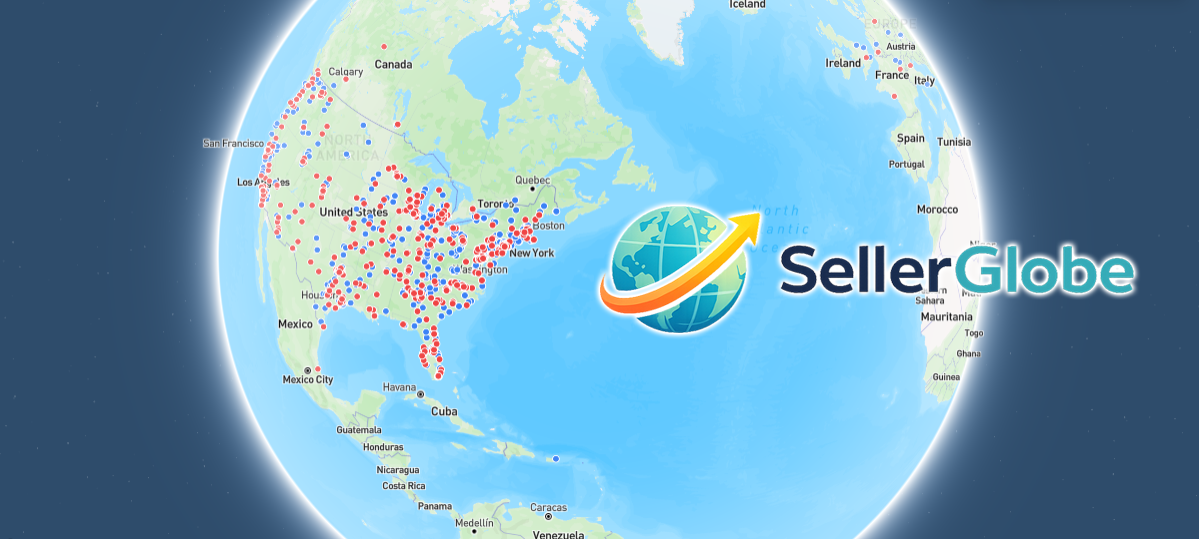
Turn your sales history into an interactive map and discover the journey behind every order.
New to SellerGlobe? Download your eBay Orders report and upload it here.
Open eBay Orders →How do I download it?
- 1. Choose the date range you want to map.
- 2. Download the Listings Sales report.
- 3. Drag the downloaded file anywhere onto SellerGlobe, or click Upload Sales Data.
Your Story
of sales history turned into your personal seller journey.
50
states waiting to be discovered as your footprint grows.
Global
See how far your small business has reached.
Every sale has a story. See yours.
Map your journey
Every order becomes a destination on your personal seller map.
Watch your growth
Explore each year and see your footprint expand over time.
Discover your reach
Find the places, patterns, and milestones behind your sales.